
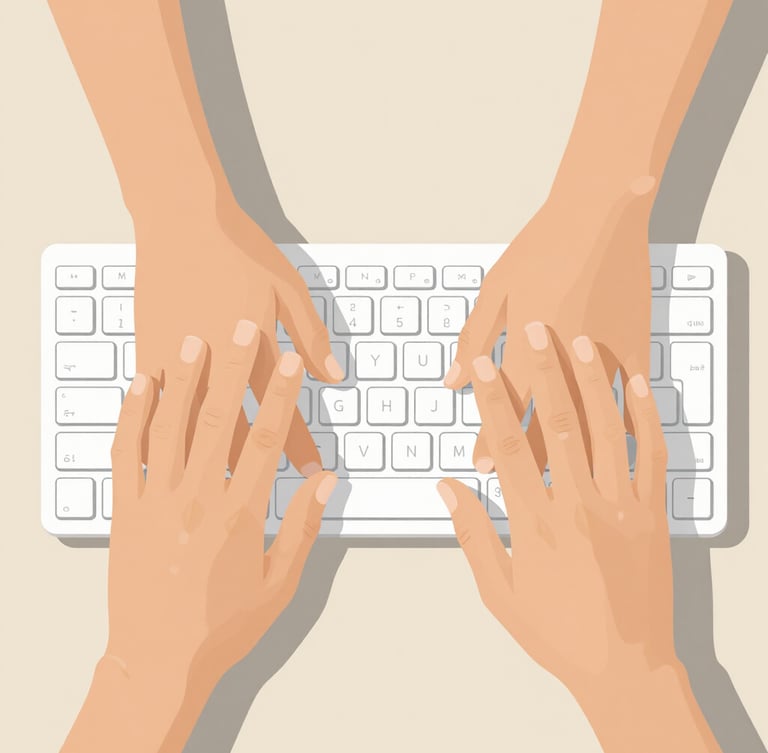
Clear guides for absolute beginners
Master the mouse, keyboard, and screens at your own pace. Our friendly, visual lessons make technology feel simple and non-threatening.
Our latest simple lessons
Start with these visual walkthroughs designed to build your digital confidence, one click at a time. No complex terms, just clear instructions.
How to use a mouse
Understanding your screen
Learn to point, click, and drag without frustration. We break down simple mouse movements into easy, stress-free exercises.
A clear guide to finding your way around the desktop. Think of it as a digital filing cabinet.


Patience is my method
I am Rishi, and my goal is to make technology serve you, not stress you. Over the years, I have helped hundreds of adult learners feel comfortable using computers through gentle, jargon-free instruction.
Ready to start clicking?
Join hundreds of learners who have overcome their tech anxiety. Our lessons are always free, slow-paced, and easy to follow.